
Your public booking page
What a patient sees at ai.nogag.ph/book/your-clinic, and where it comes from.
Every clinic has a page patients can book on without an account. The address is ai.nogag.ph/book/your-clinic (shown on Settings → Clinic details). Put it on your Facebook page, your Messenger auto-reply and your Google listing.
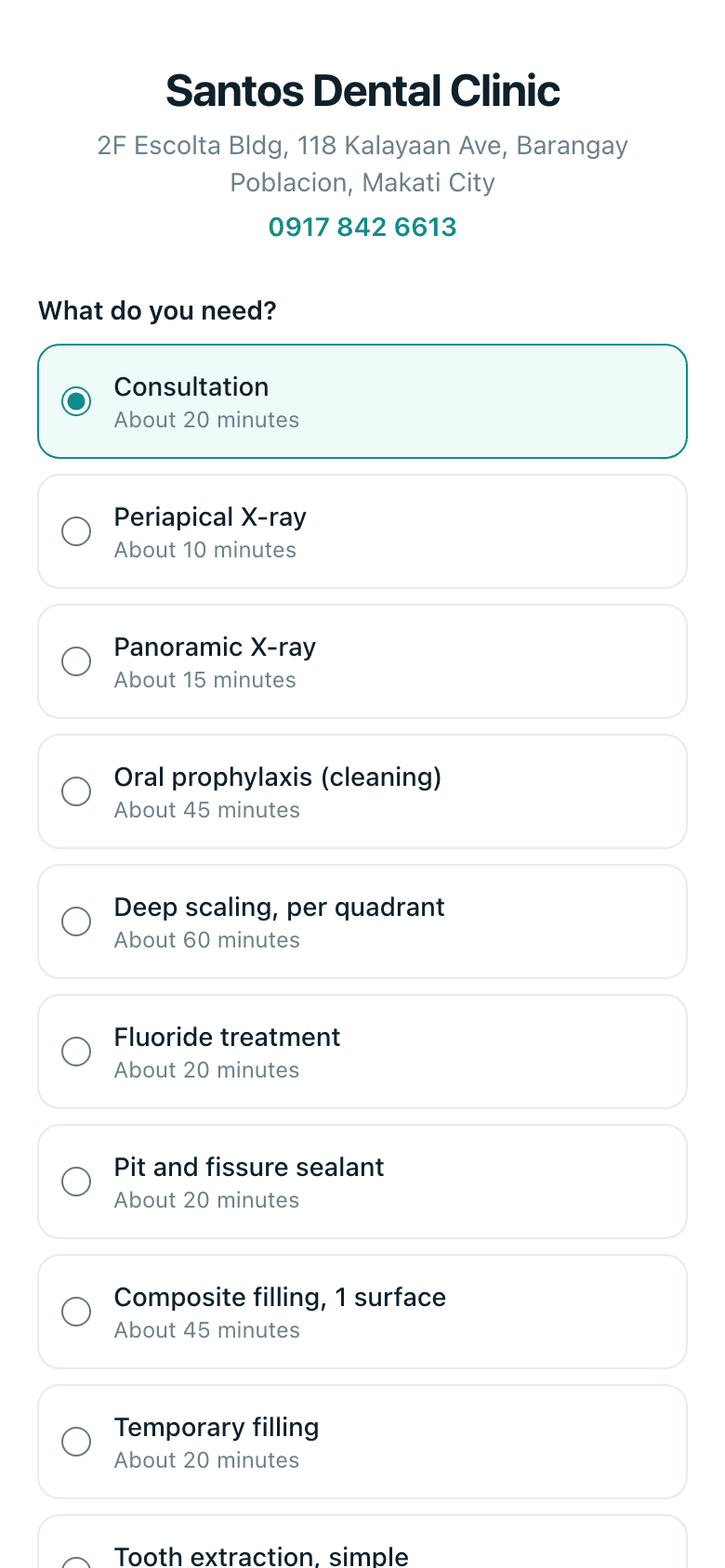
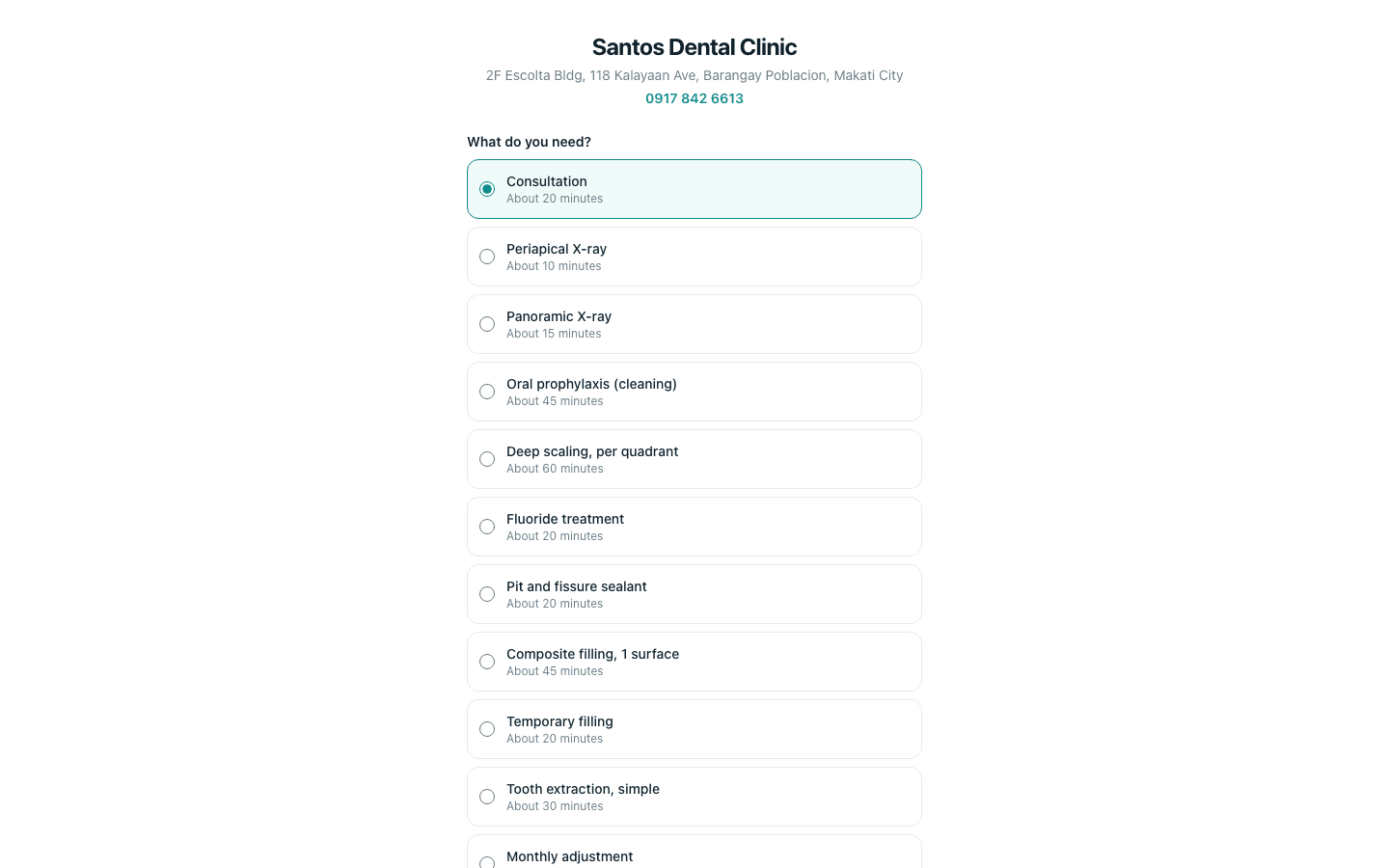
- 1
What do you need? The patient picks a procedure. Only procedures ticked Online on your price list appear.
- 2
Pick a day, then Pick a time. Only your open hours and free chairs are offered.
- 3
First name, last name, mobile, and anything the clinic should know. Then Confirm appointment.
- 4
The confirmation page says You're booked and carries a Cancel this appointment button. A cancellation there frees the slot on your schedule.
On your side the booking appears on Schedule as Pending, and a new person gets a patient record with just a name and mobile. Online bookings says what to do with it.
Ask the assistant
Answers from this guide, in plain English. Usually under a minute.It only knows what is in this guide and never sees patient records. Not answered? Search or message the J.A.H team.