
Supplies and the store
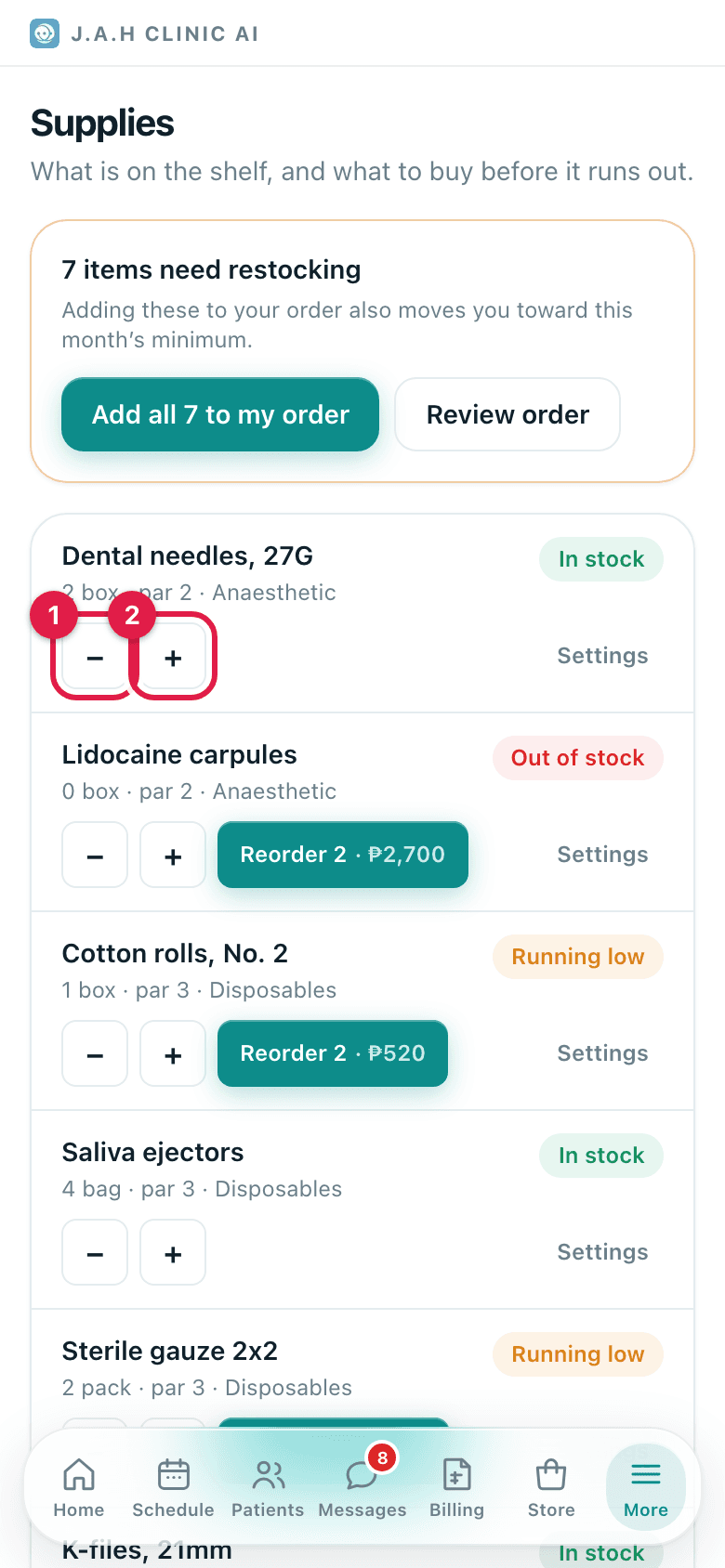
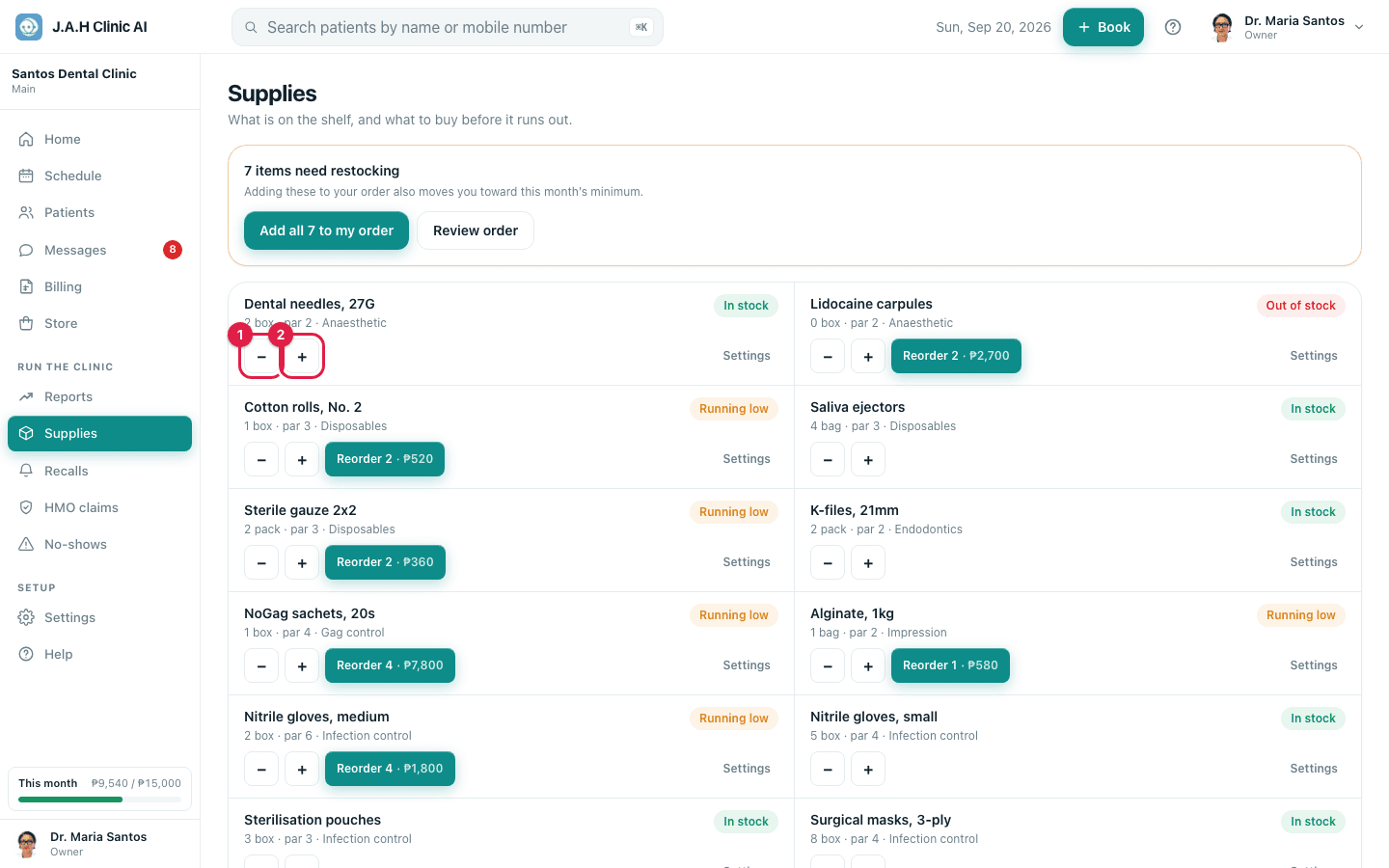
Count daily with − and +, reorder weekly with Add all, place the order, and receive it.
- Who
- Assistant, Owner
- When
- Count daily, order weekly
- Where
- MoreSuppliesand Store
- 1MoreSupplies
Daily on Supplies: tap − as boxes are opened. Anything below its par level shows Running low or Out of stock with a Reorder button.
- 2Store
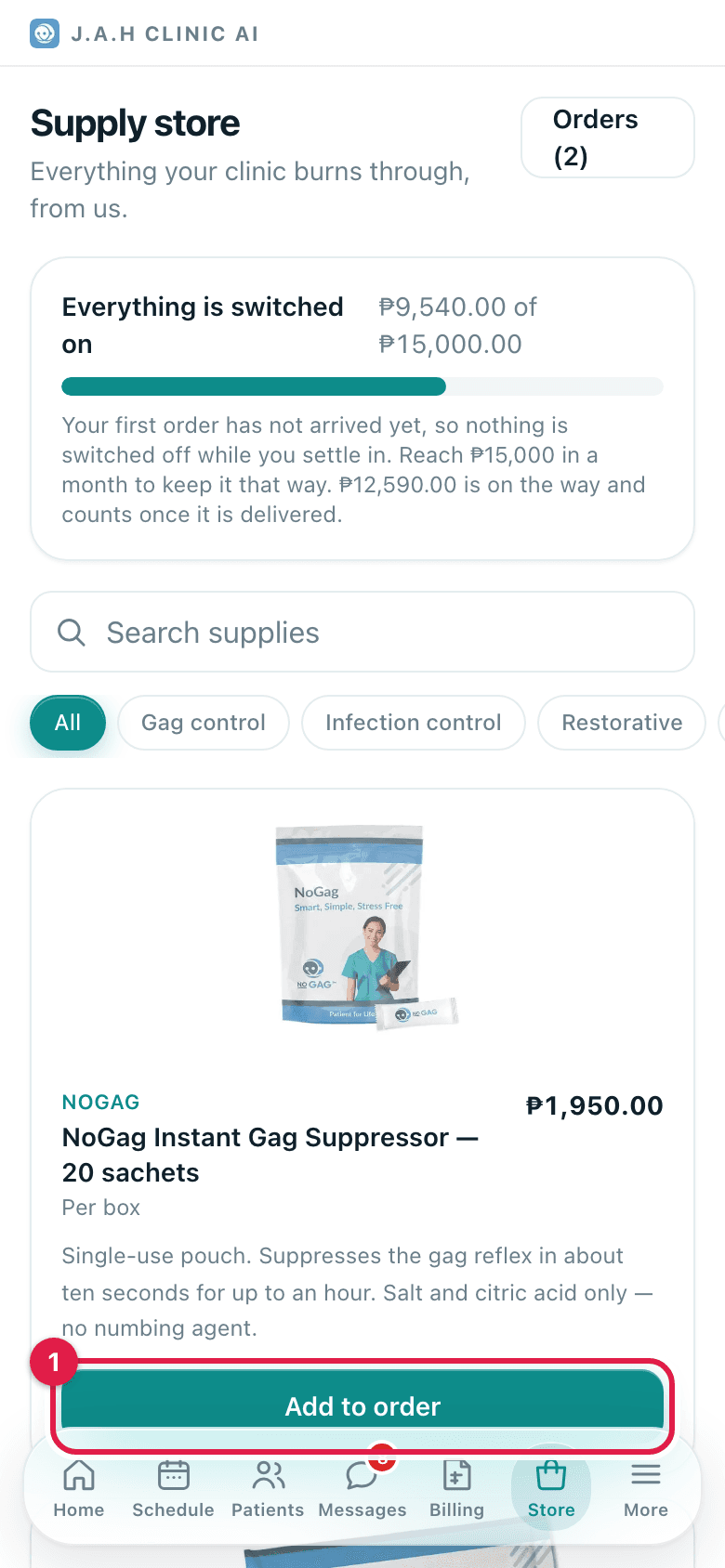
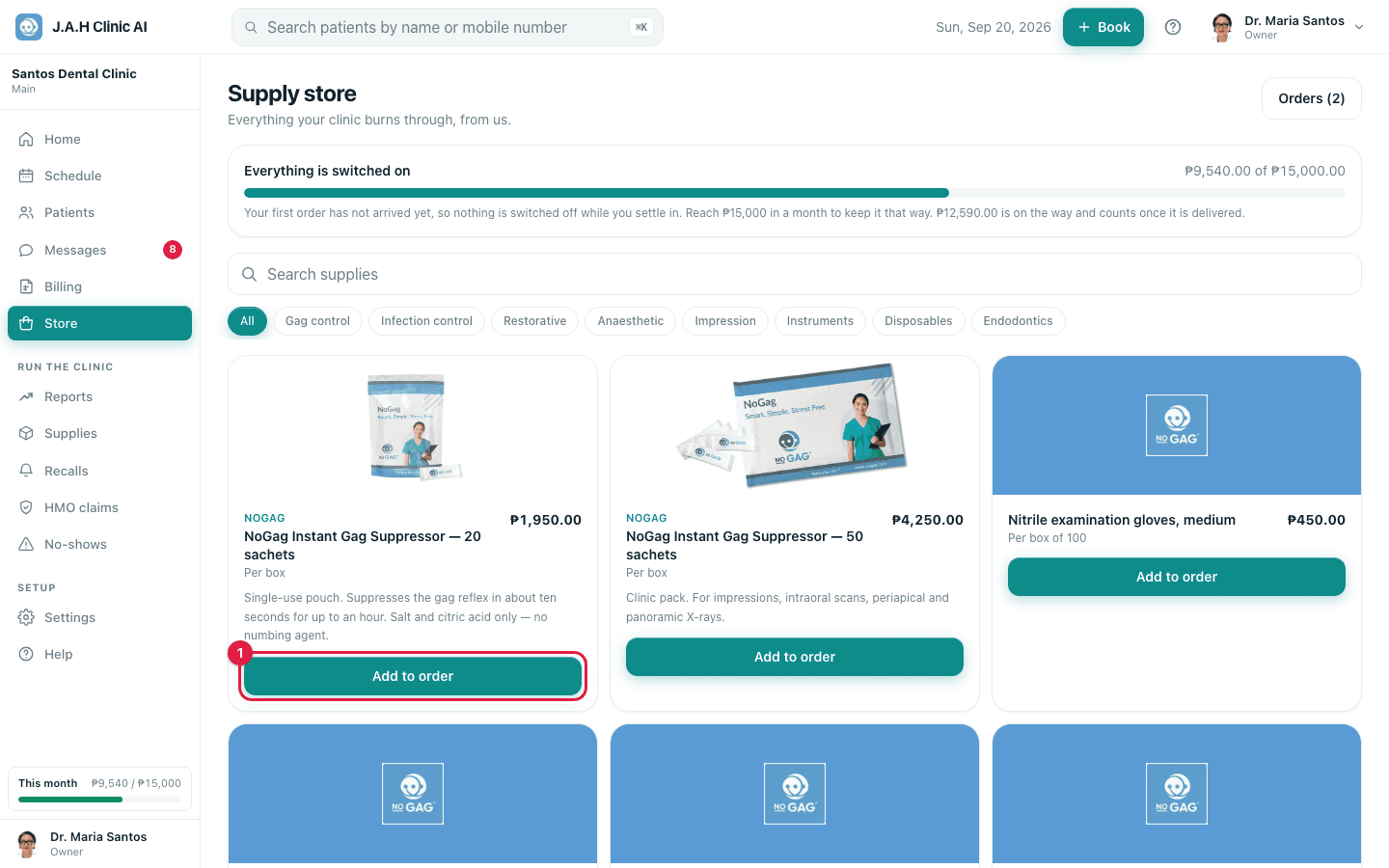
Weekly: tap Add all N to my order on the restock banner, then Store for anything else, then Review order.
- 3
Check the delivery details and choose how to pay: Cash on delivery, GCash, Bank transfer, Card or Credit terms. Tap Place order.
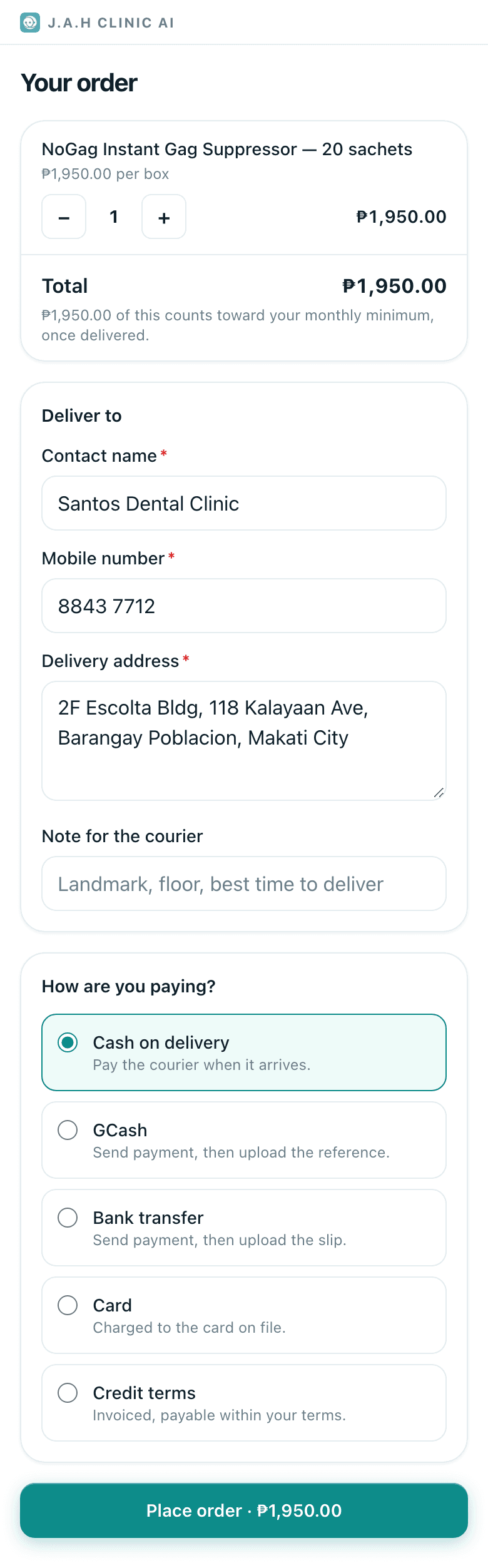
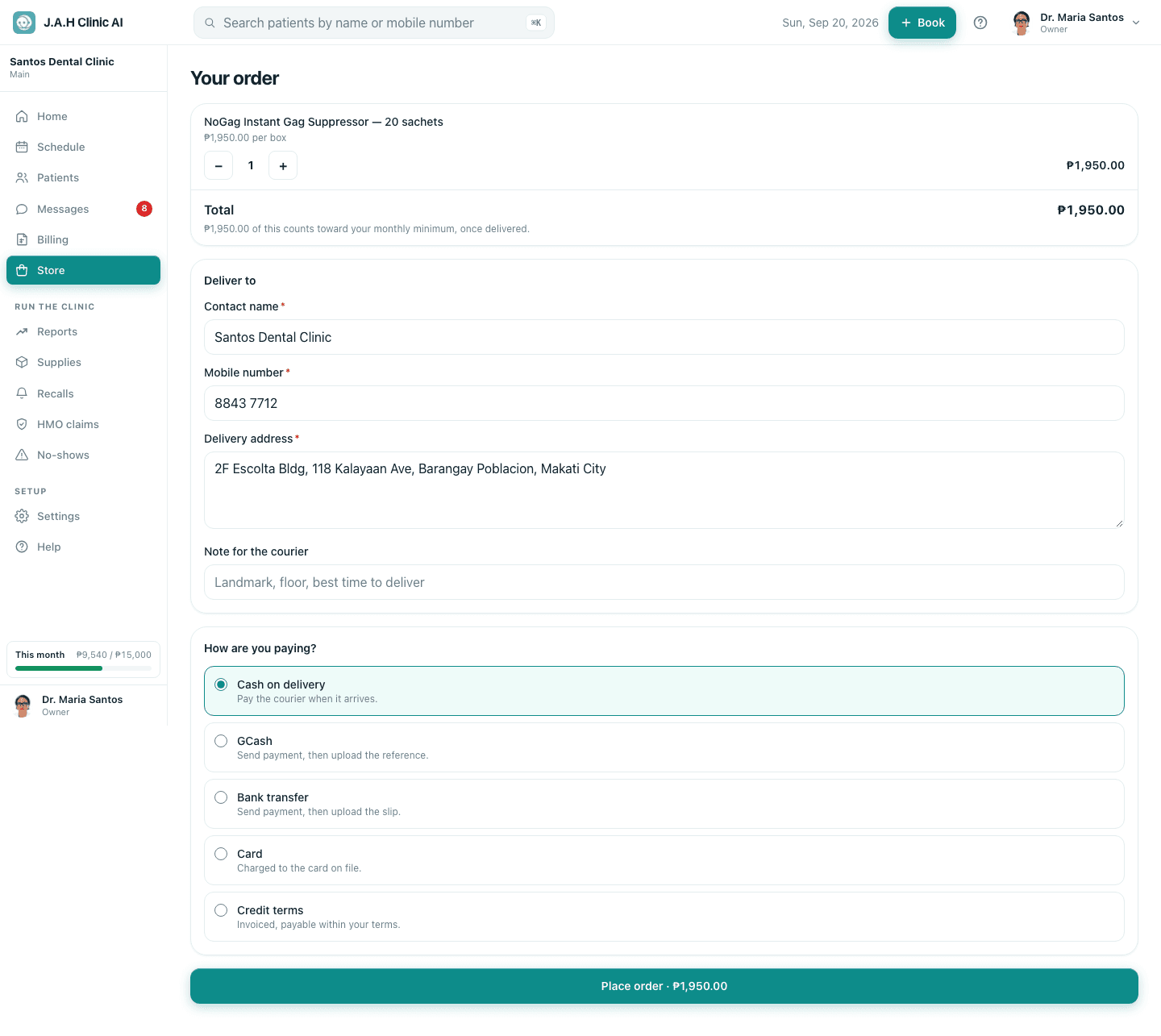
- 4StoreOrdersthe order
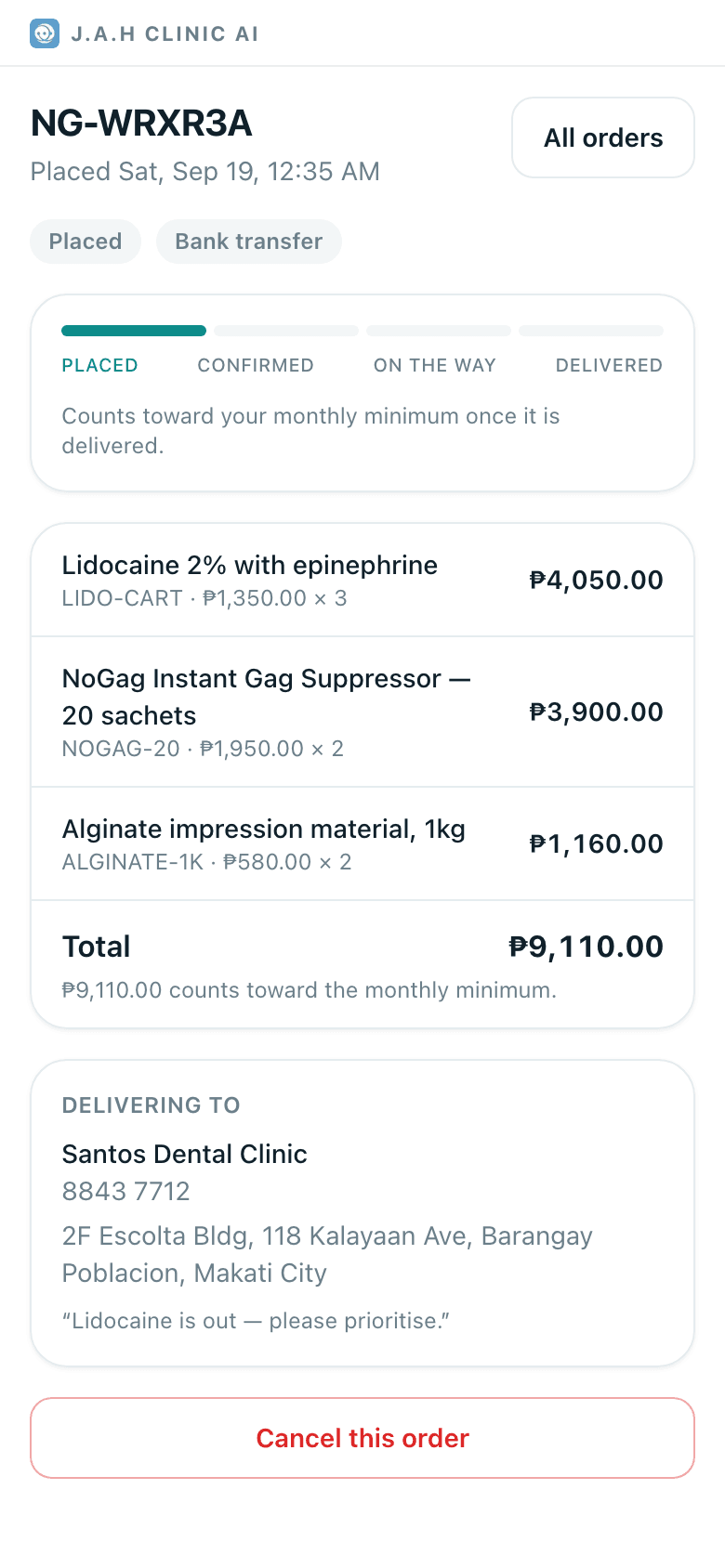
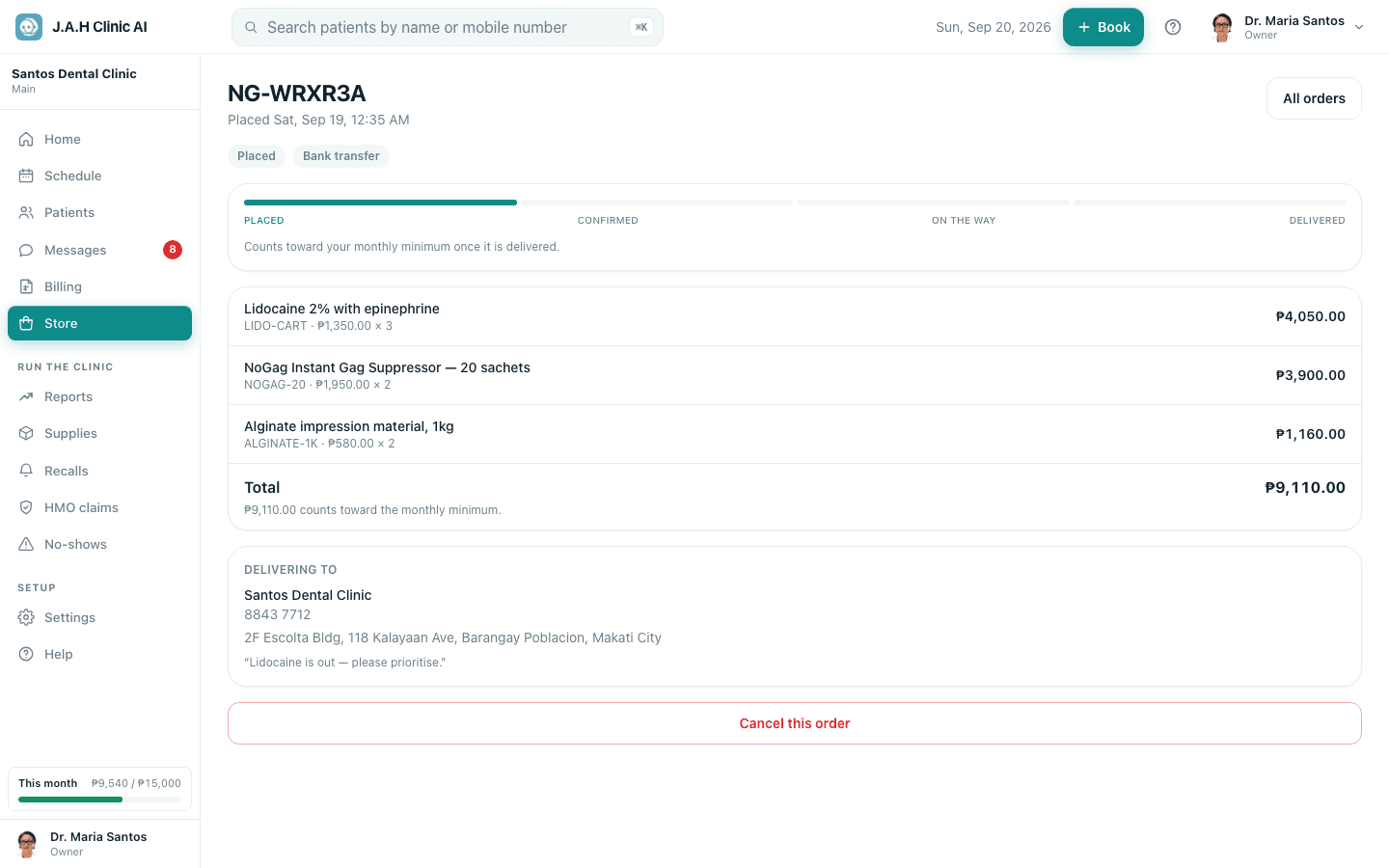
GCash or bank: pay, then on the order page under Send us your proof of payment add the reference or the screenshot and tap Send proof of payment.
- 5
Track it under Orders: Placed → Confirmed → On the way → Delivered. When it arrives, tap + on Supplies for each item received.
Ask the assistant
Answers from this guide, in plain English. Usually under a minute.It only knows what is in this guide and never sees patient records. Not answered? Search or message the J.A.H team.