
Open the day
Know who is coming, who wrote overnight, and what is about to run out, before the first patient walks in.
- Who
- Front desk
- When
- First 5 minutes of every morning
- Takes
- 5 minutes
- Where
- Home
- 1Home
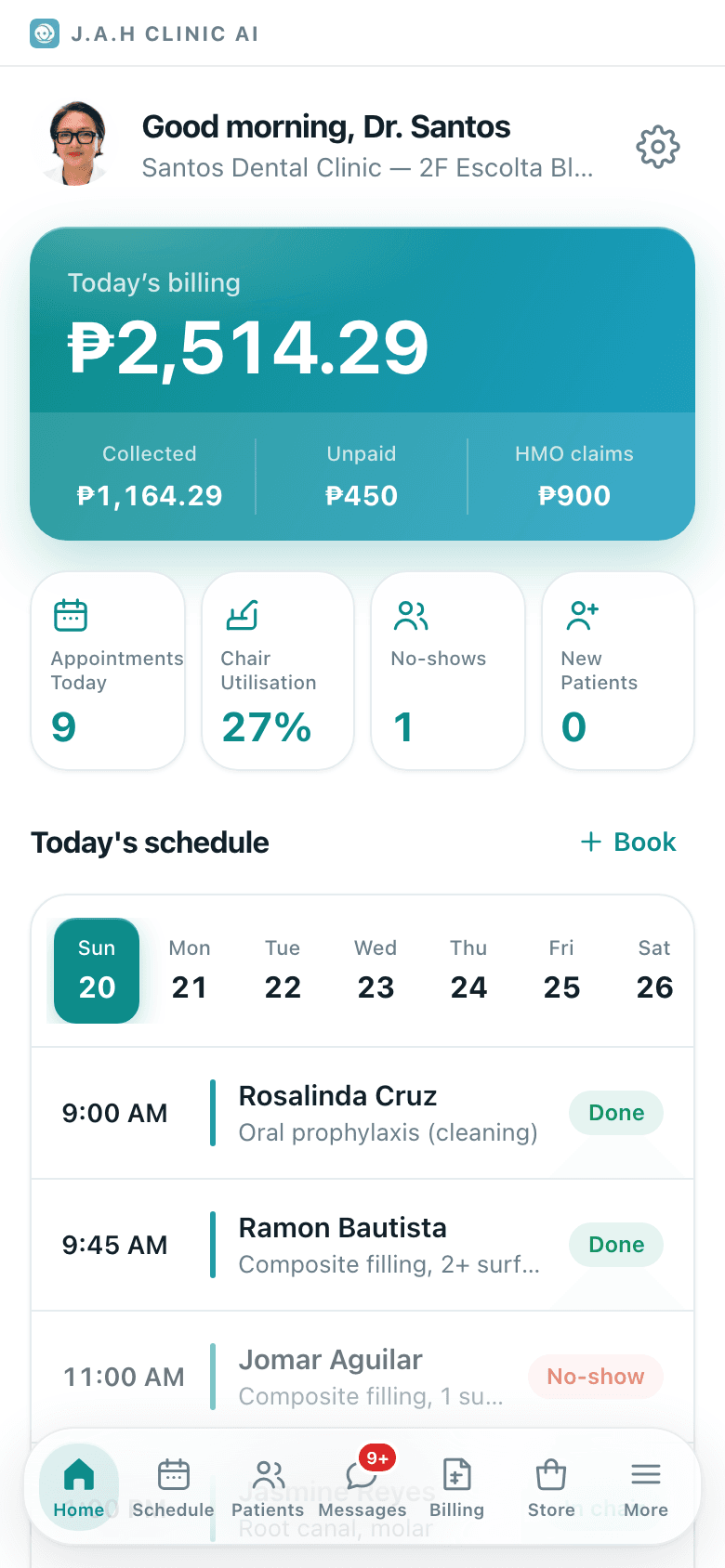
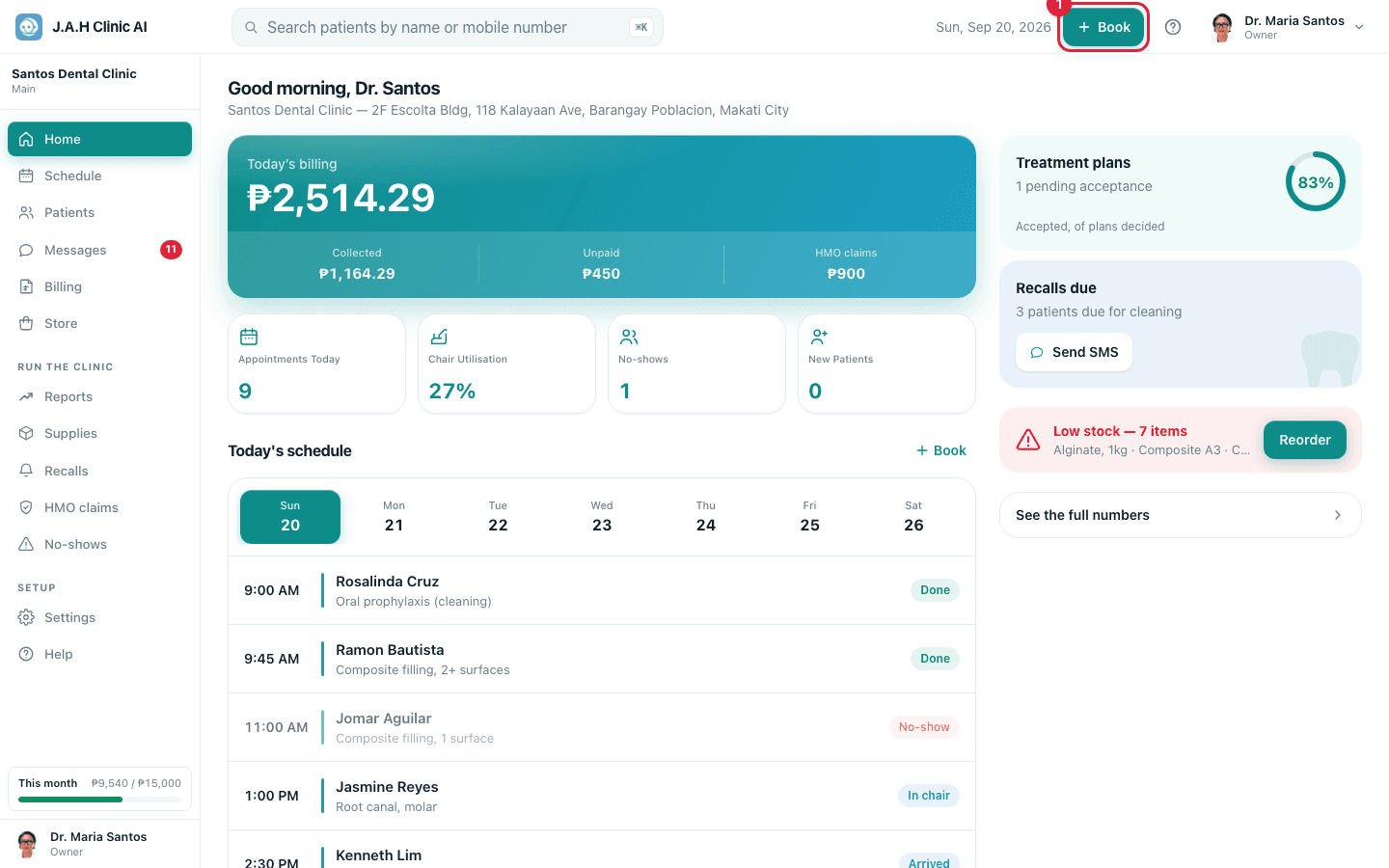
Read Today's schedule on Home. Count the rows; note who still shows Pending.
- 2Schedule
Confirm every Pending patient by phone or Messenger. Tap the row to open the patient and their mobile, then on Schedule tap Confirm.
Automatic SMS reminders are not switched on yet. This call is the reminder.
- 3Messages
Open Messages and reply to anything unread. Book anyone asking for a slot.
- 4Schedule
Look for online bookings that arrived overnight (rows marked online, still Pending). See Online bookings.
- 5Home
Read the red Low stock banner on Home. If it shows, tell whoever orders, or tap Reorder yourself.
Ask the assistant
Answers from this guide, in plain English. Usually under a minute.It only knows what is in this guide and never sees patient records. Not answered? Search or message the J.A.H team.