
Chart findings and plan treatment
Tap the tooth, record what you found, build the plan, present it, download the quote, record the answer.
- Who
- Dentist
- When
- Each examination
- Where
- a patientChartPlans
- 1
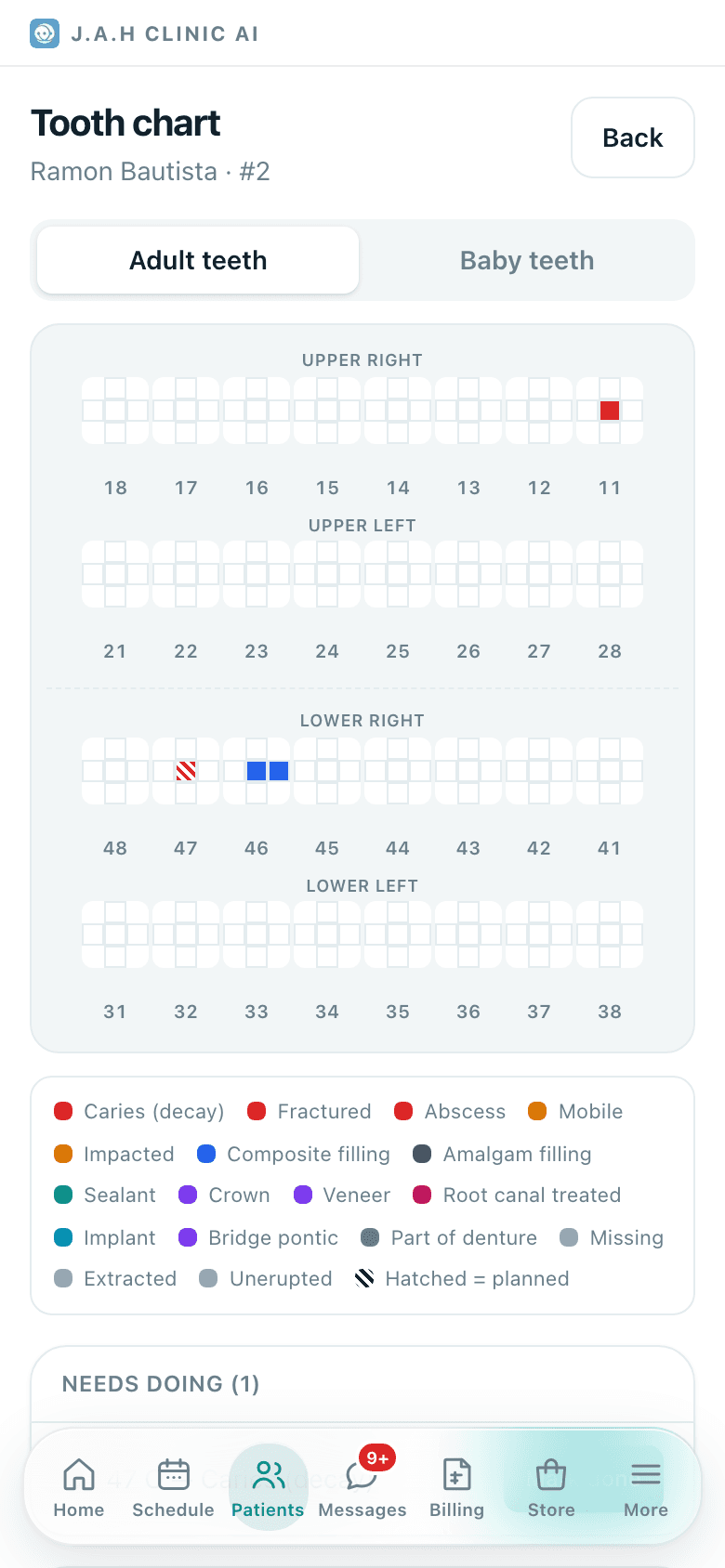
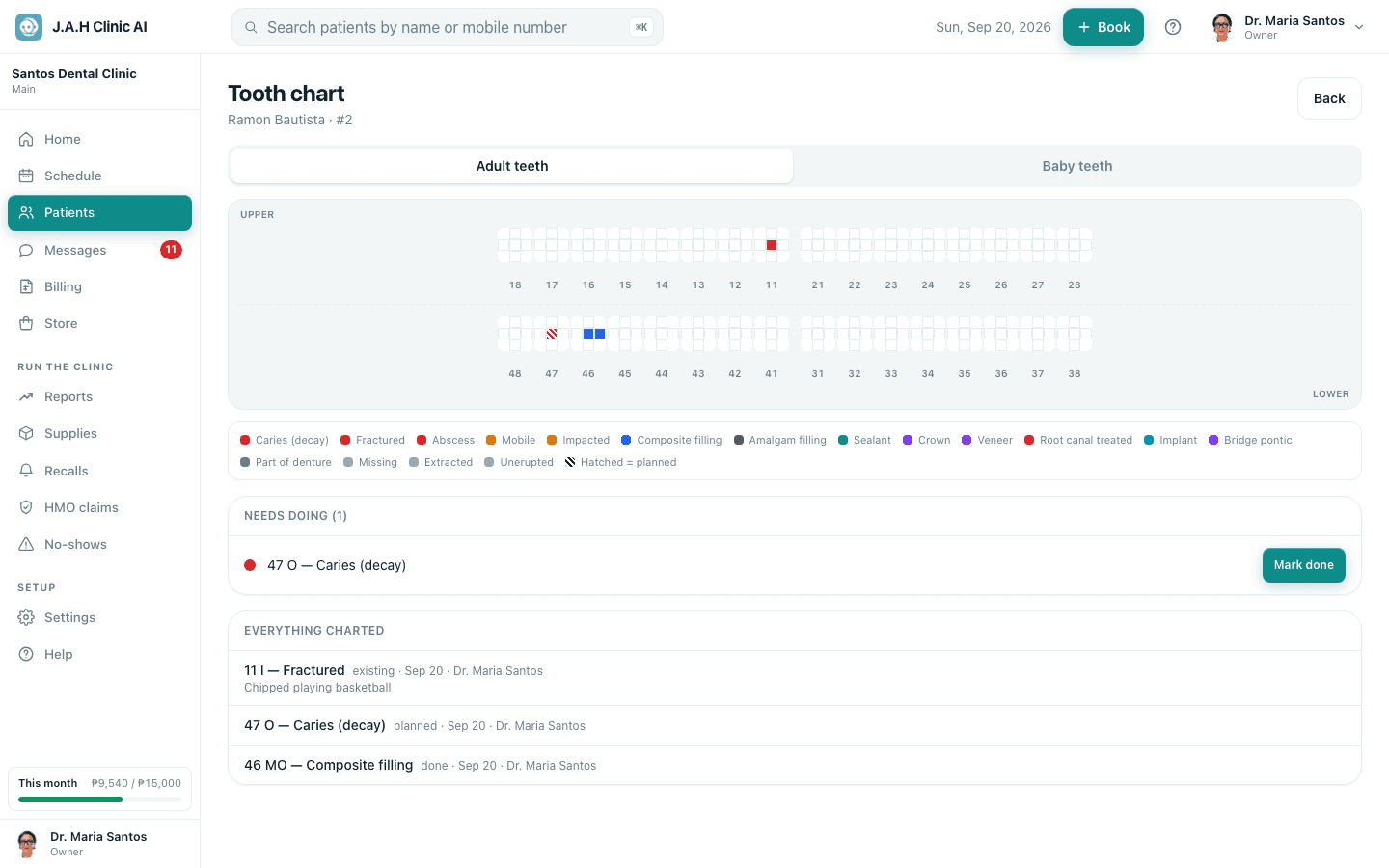
Open Chart from the patient record. Choose Adult teeth or Baby teeth. Tap a tooth.
- 2
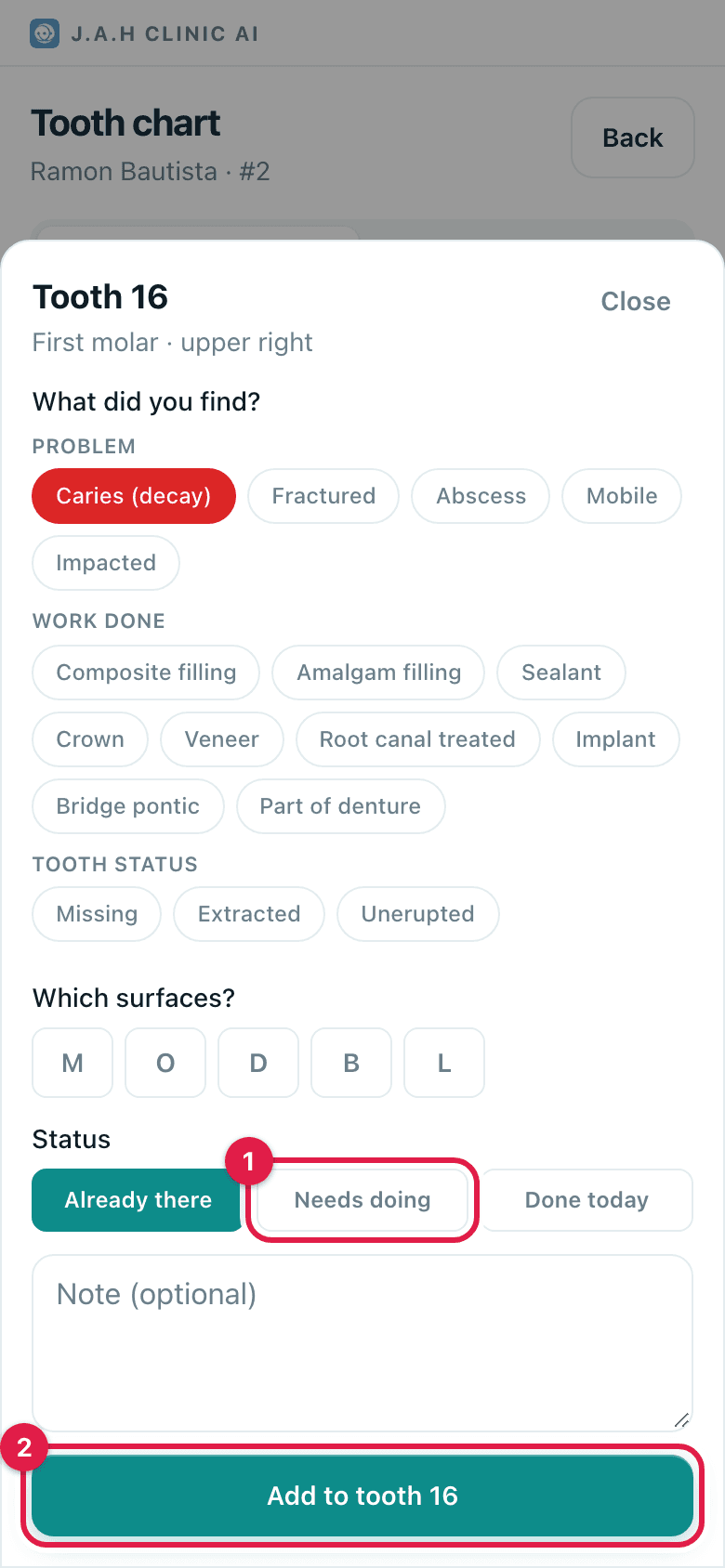
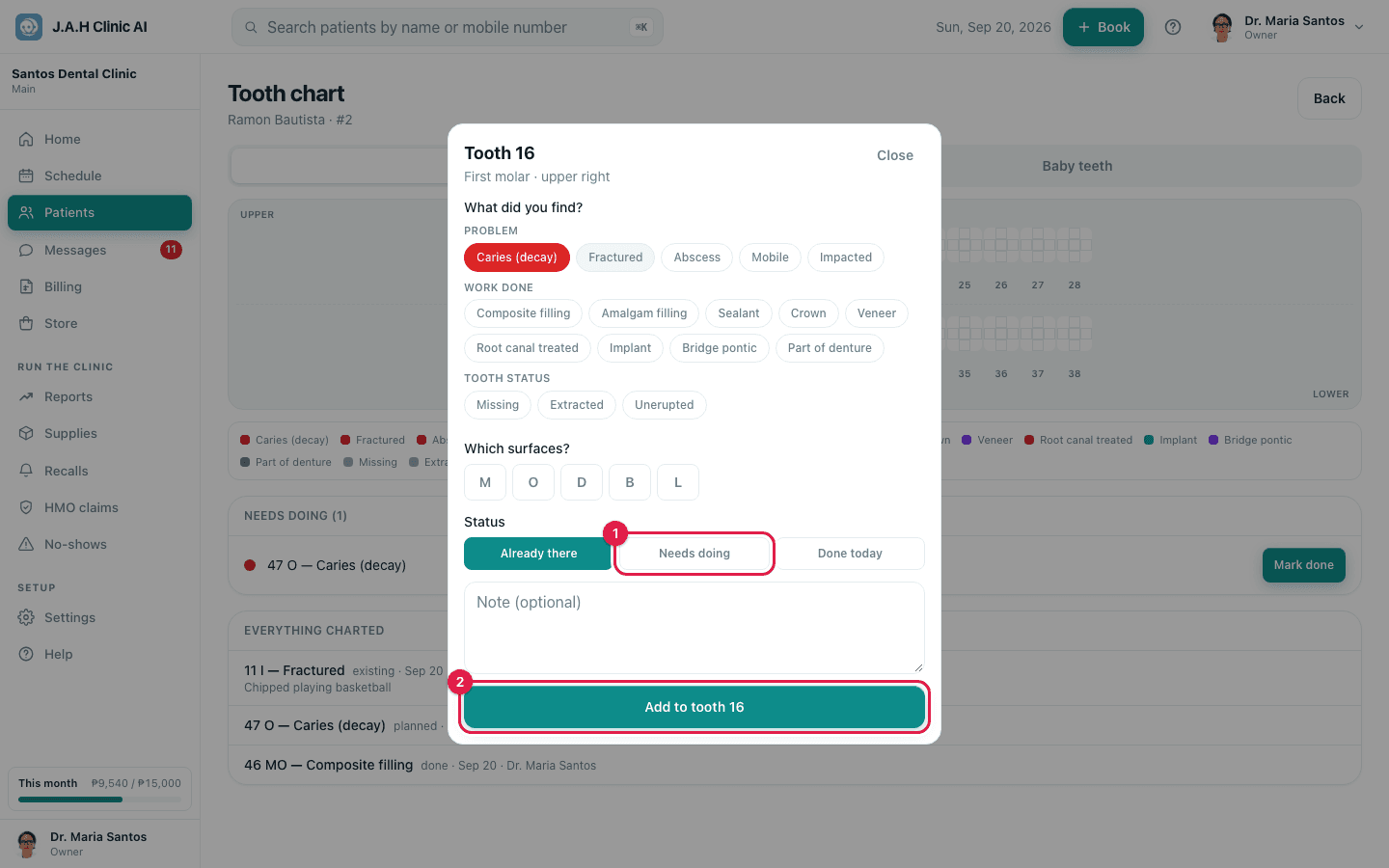
What did you find? Pick the chip (decay, fracture, abscess, or work already there, or Missing / Extracted). Tick the surfaces. Choose Already there, Needs doing or Done today. Tap Add to tooth ….
- 3
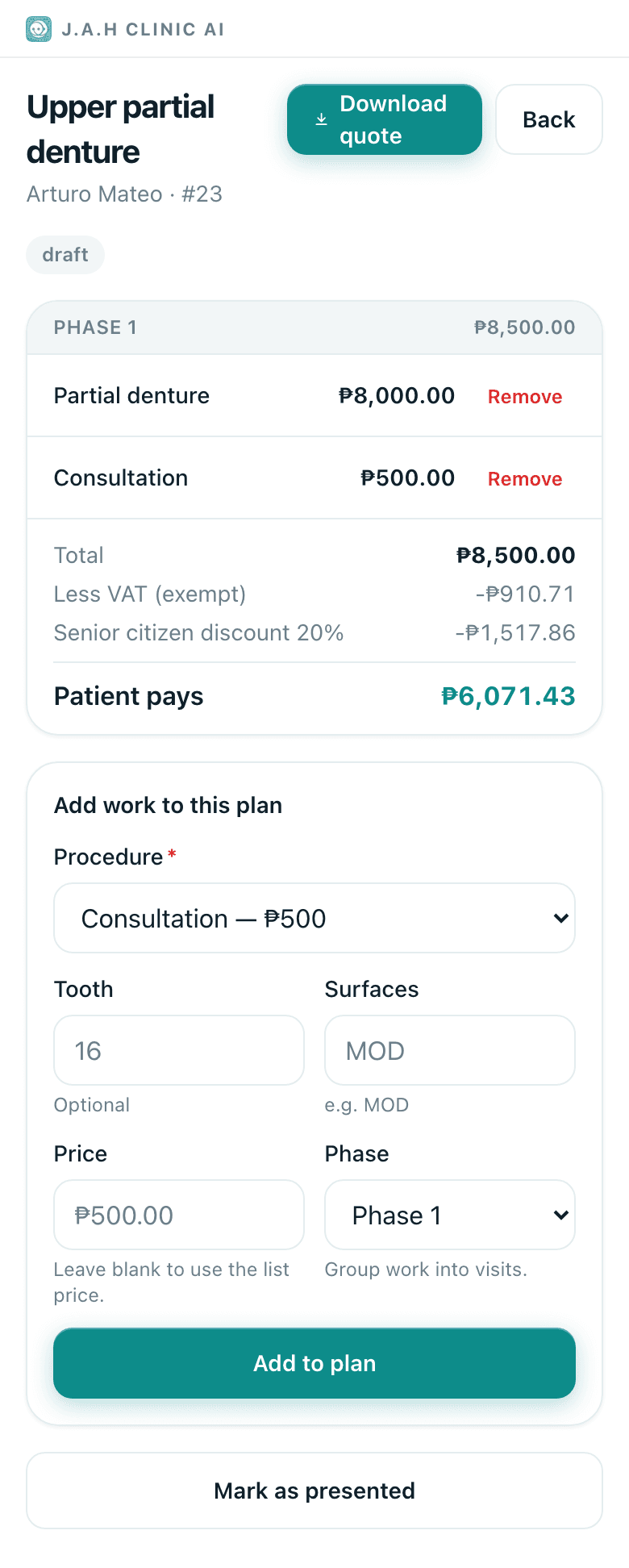
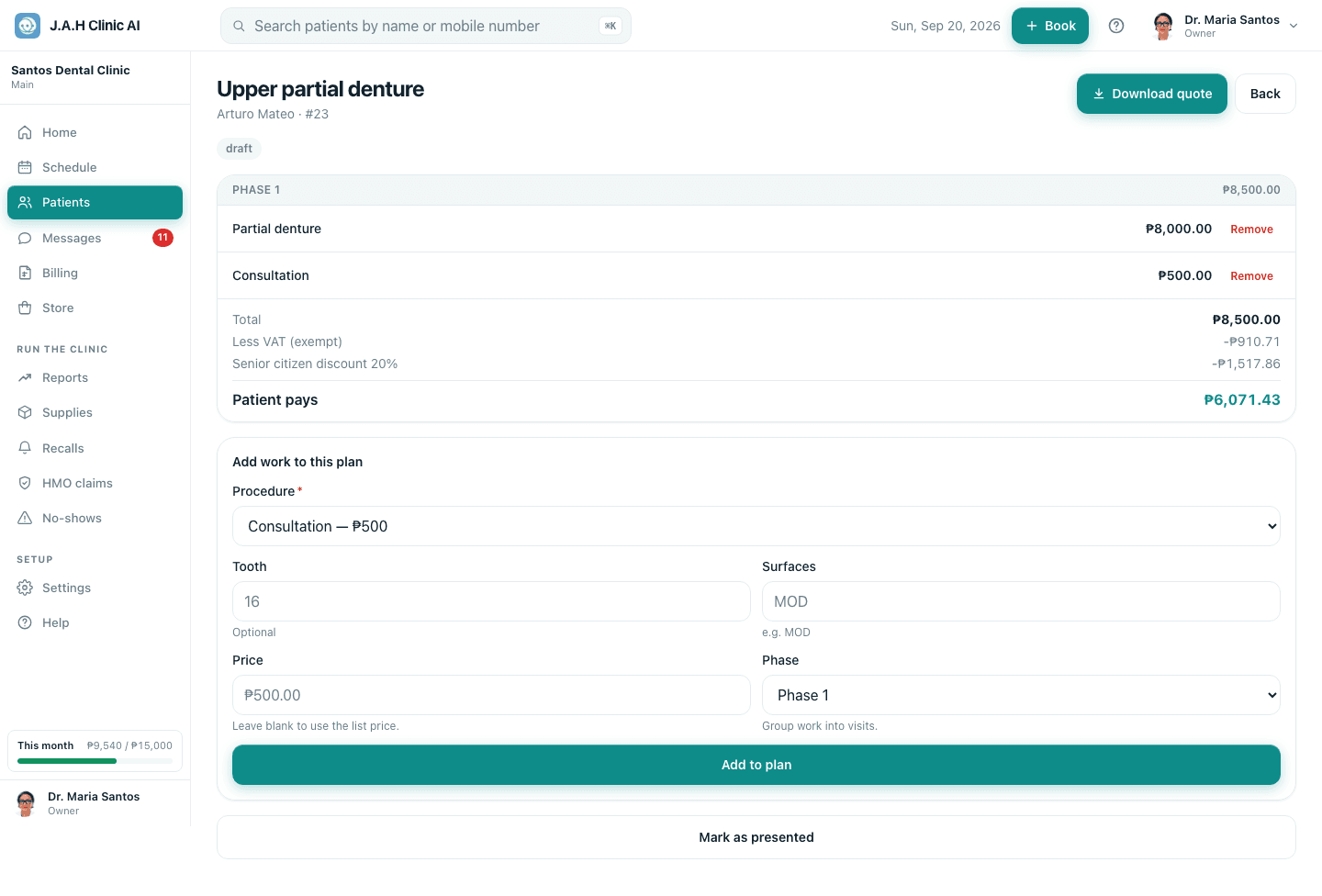
Build the plan: Plans → Start a new plan → under Add work to this plan add each procedure with tooth, surfaces, price and phase, tap Add to plan. The From the tooth chart card lists what is still open.
- 4
Present it: walk the patient through it on the screen, tap Mark as presented. Tap Download quote and send the PDF on Messenger so they can decide at home.
- 5
Record the decision: Patient accepted or Patient declined. Accepted items become one-tap chips on the next visit.
Ask the assistant
Answers from this guide, in plain English. Usually under a minute.It only knows what is in this guide and never sees patient records. Not answered? Search or message the J.A.H team.