
Staff joining and leaving
Invite with a role, send the link yourself, set the dentist's fee share, disable the day someone leaves.
- Who
- Owner
- When
- The day someone starts or leaves
- Where
- MoreStaff and roles
- 1MoreStaff and roles
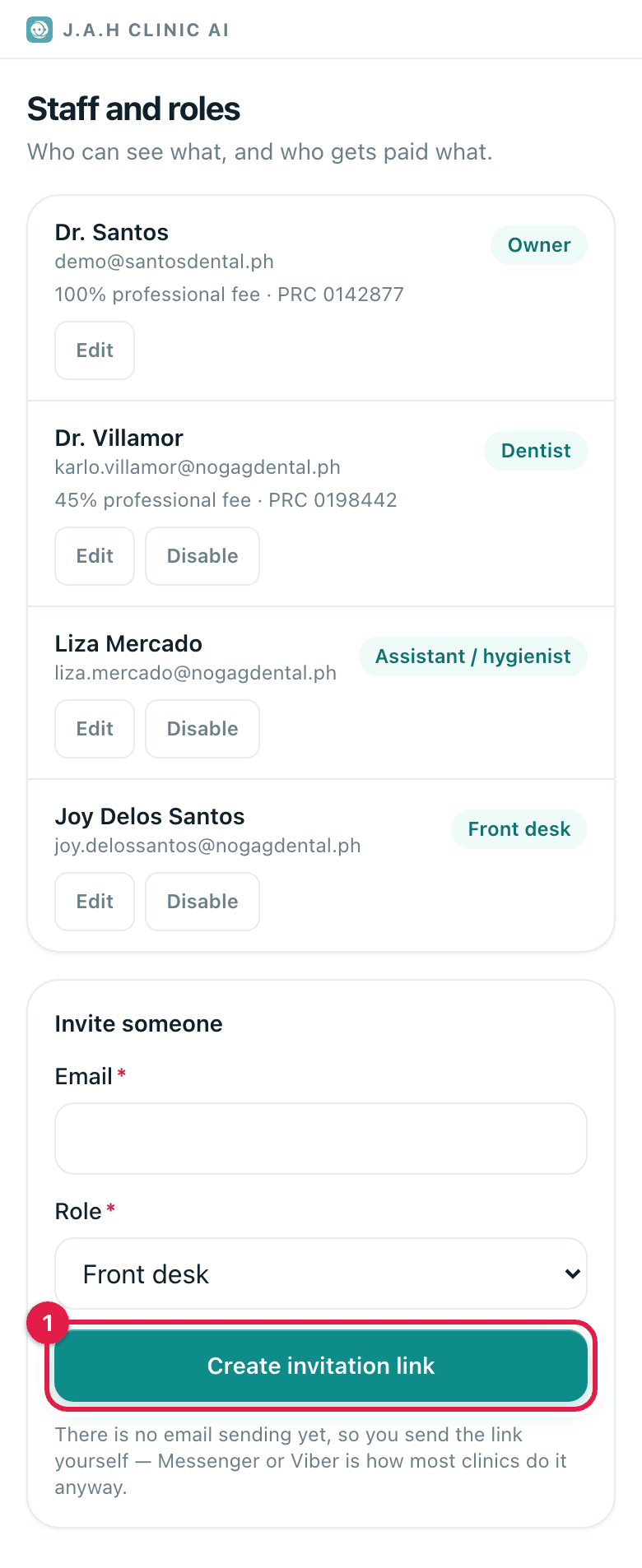
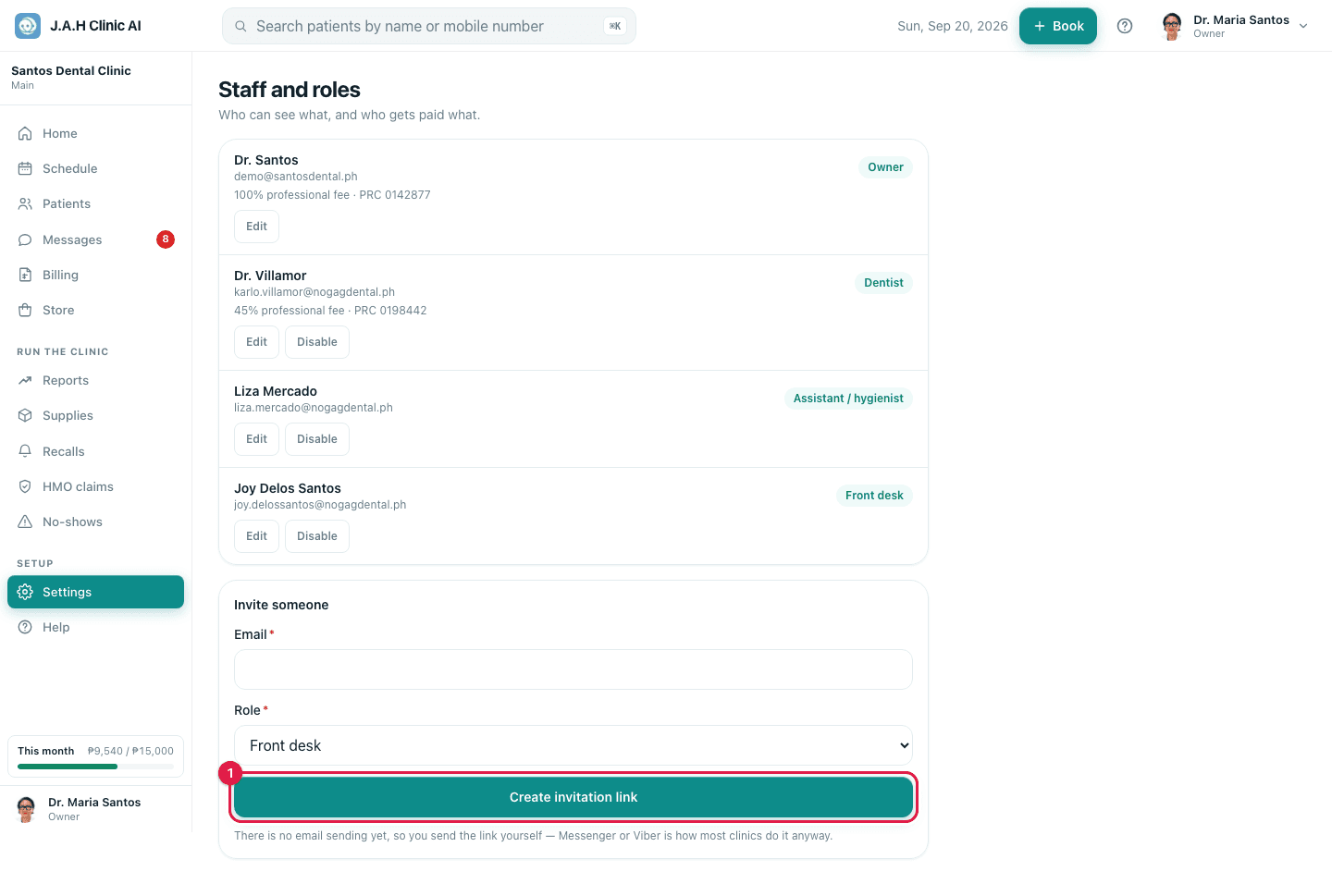
Joining: under Invite someone type the email and choose the role. Front desk sees schedule, patients, billing, messages; Assistant / hygienist adds charting; Dentist adds plans and their own production; Owner sees everything. Tap Create invitation link.
- 2
Tap Copy link and send it yourself on Messenger or Viber. It works once and expires in 14 days. They choose their own password; from then on their phone stays signed in.
- 3
Dentists: after they join, tap Edit on their row: PRC licence number, PRC expiry and Professional fee share. Tap Save.
- 4
Leaving: tap Disable on their row the same day. Their records and history stay; they can no longer sign in. Enable brings them back.
Ask the assistant
Answers from this guide, in plain English. Usually under a minute.It only knows what is in this guide and never sees patient records. Not answered? Search or message the J.A.H team.