
Book an appointment
Book, pick the patient, day, time, dentist and procedure, save, and read the time back.
- Who
- Front desk
- When
- Every call, message or walk-in request
- Takes
- Under 1 minute
- Where
- Book
- 1
Tap Book at the top of any screen.
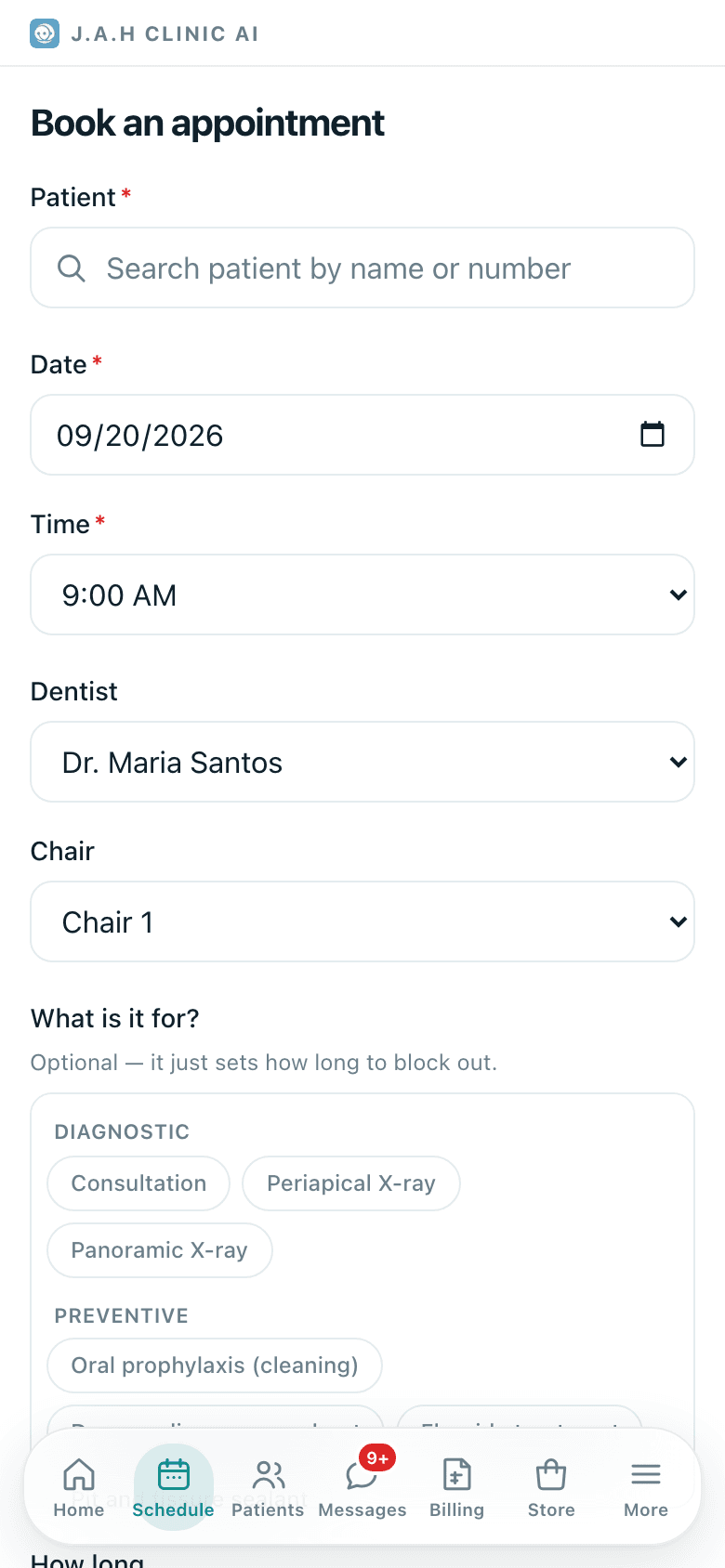
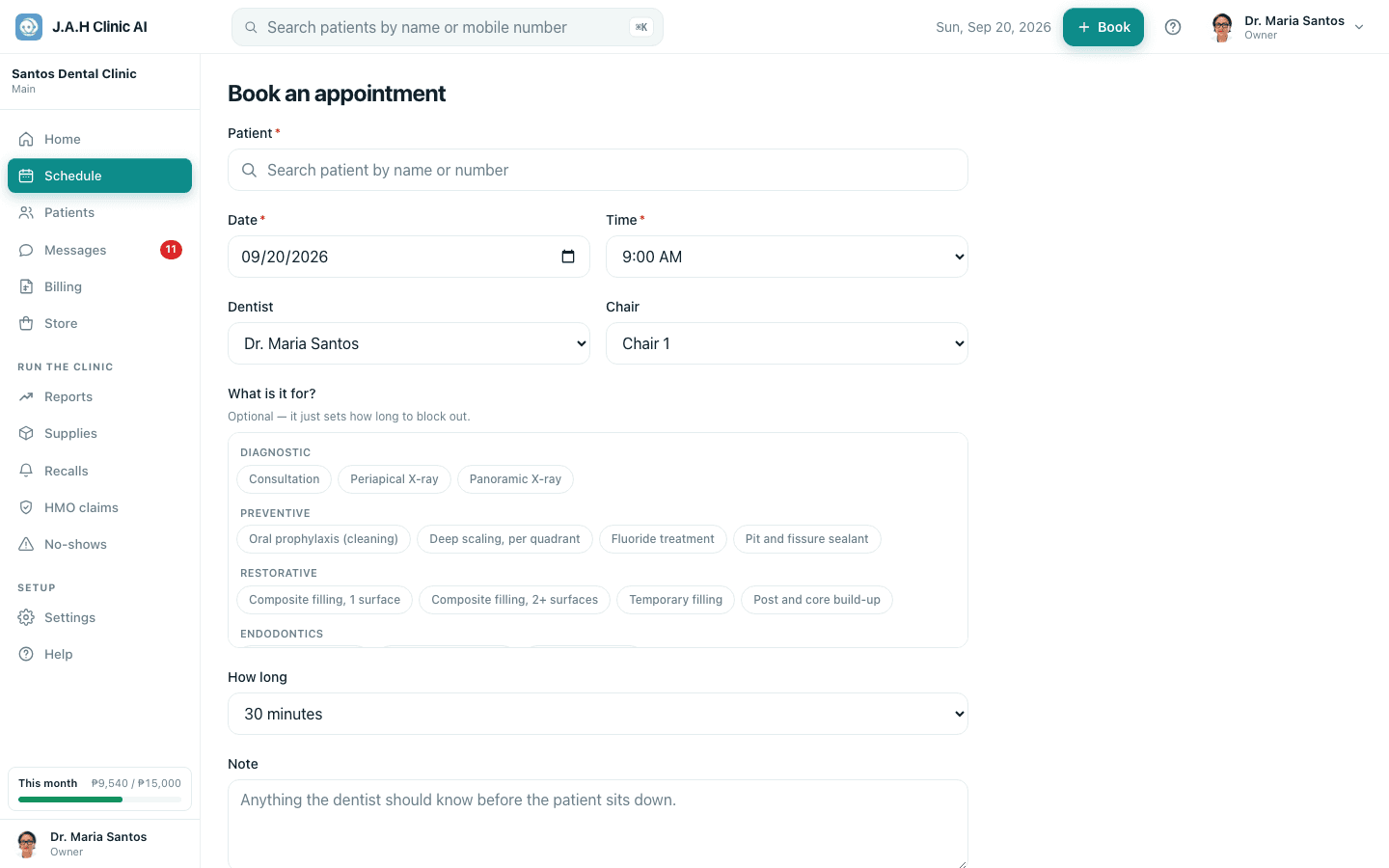
- 2
Patient: type the name or mobile and pick them. Not there? Register first, then come back.
- 3
Date and Time, then the Dentist and the Chair. Leave the chair as Any unless the dentist has a preference.
- 4
What is it for? Tap the procedure chip. It sets how long the slot is blocked; change How long if the dentist wants more.
- 5
Note anything the dentist should know, then tap Book appointment.
- 6
Tell the patient the day and time back, and that they will get a call the day before.
Ask the assistant
Answers from this guide, in plain English. Usually under a minute.It only knows what is in this guide and never sees patient records. Not answered? Search or message the J.A.H team.