
Patient arrives, or doesn't
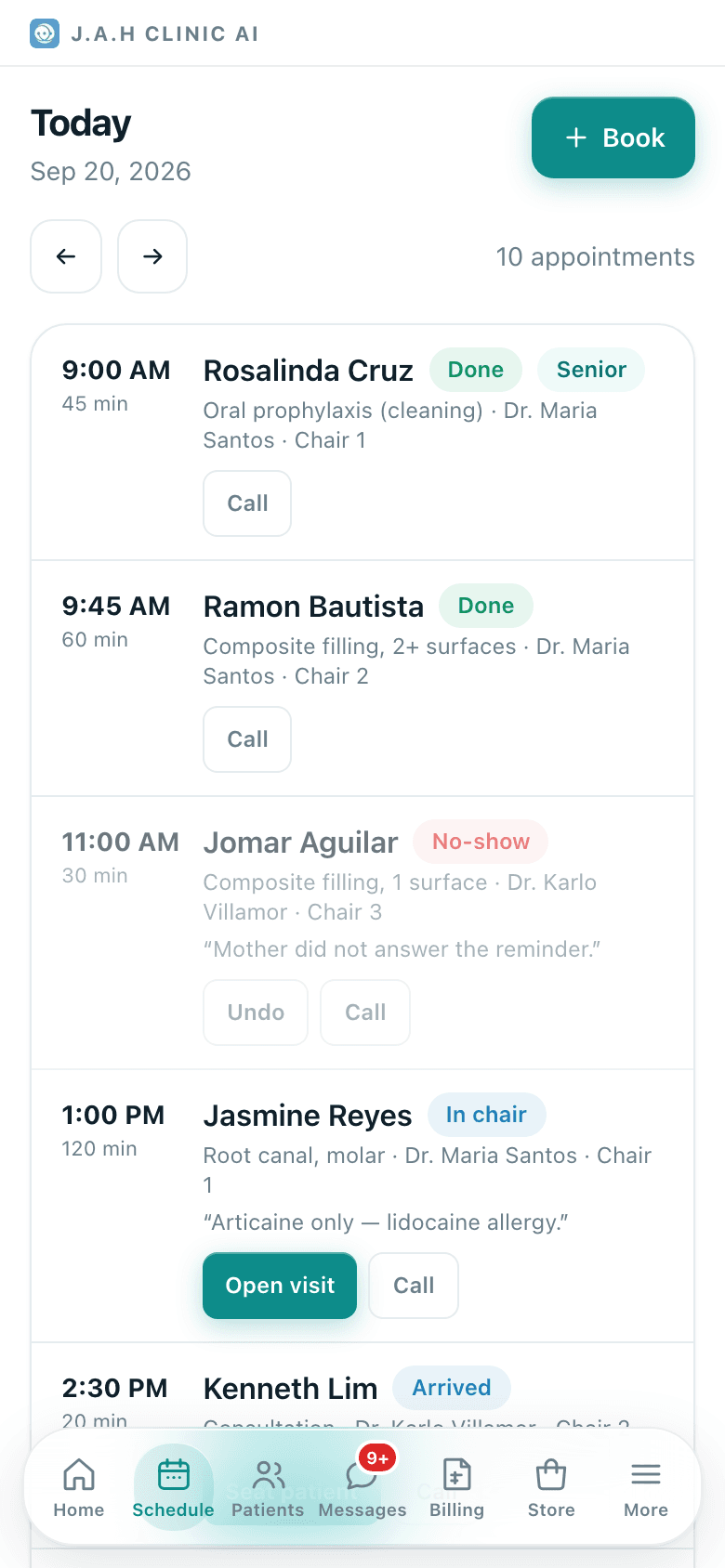
Arrived when they walk in, Seat patient when the dentist is ready, No-show after a call goes unanswered.
- Who
- Front desk
- When
- Each appointment
- Where
- Schedule
- 1Schedule
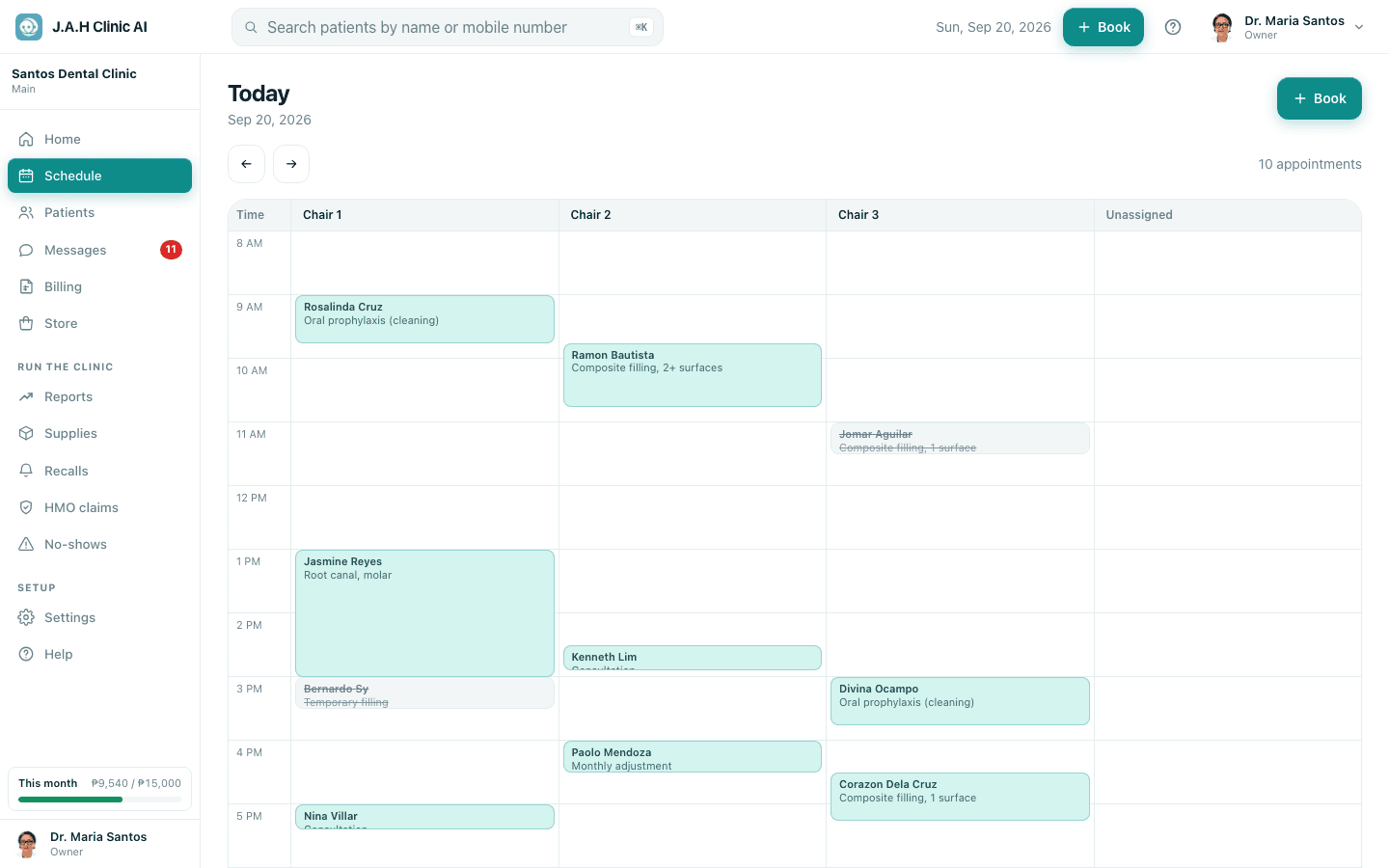
Patient walks in: on their row tap Arrived. The dentist sees them as waiting.
- 2
Anything to update? New allergy, new mobile, new HMO card: do it on the patient record now, before treatment.
- 3
When the dentist is ready, tap Seat patient. The visit screen opens. See Treat the patient.
- 4
15 minutes past the time and no word? Tap Call. No answer: tap No-show. It counts on their record and on No-shows. Turned up later? Tap Undo.
- 5Patientsa patient
Walk-in with no booking: open the patient (or register them) and tap Start a visit now at the bottom of the record.
Ask the assistant
Answers from this guide, in plain English. Usually under a minute.It only knows what is in this guide and never sees patient records. Not answered? Search or message the J.A.H team.