
The bill is wrong
Void it with a reason, then create a fresh one from the visit. Never delete.
- 1Billingthe bill
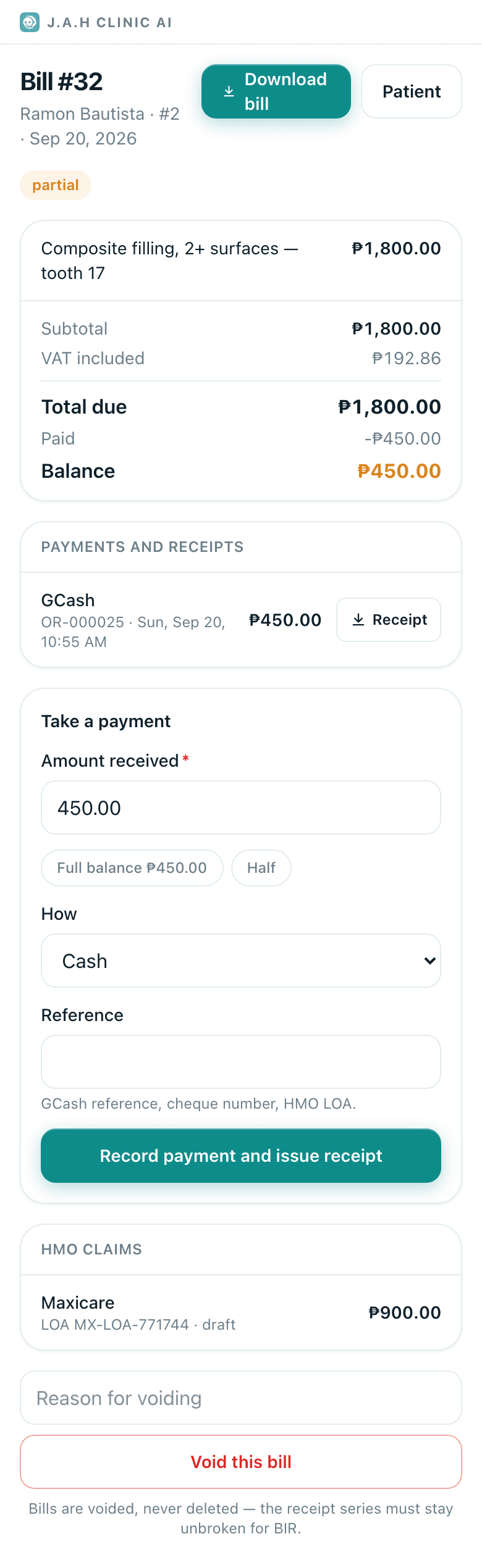
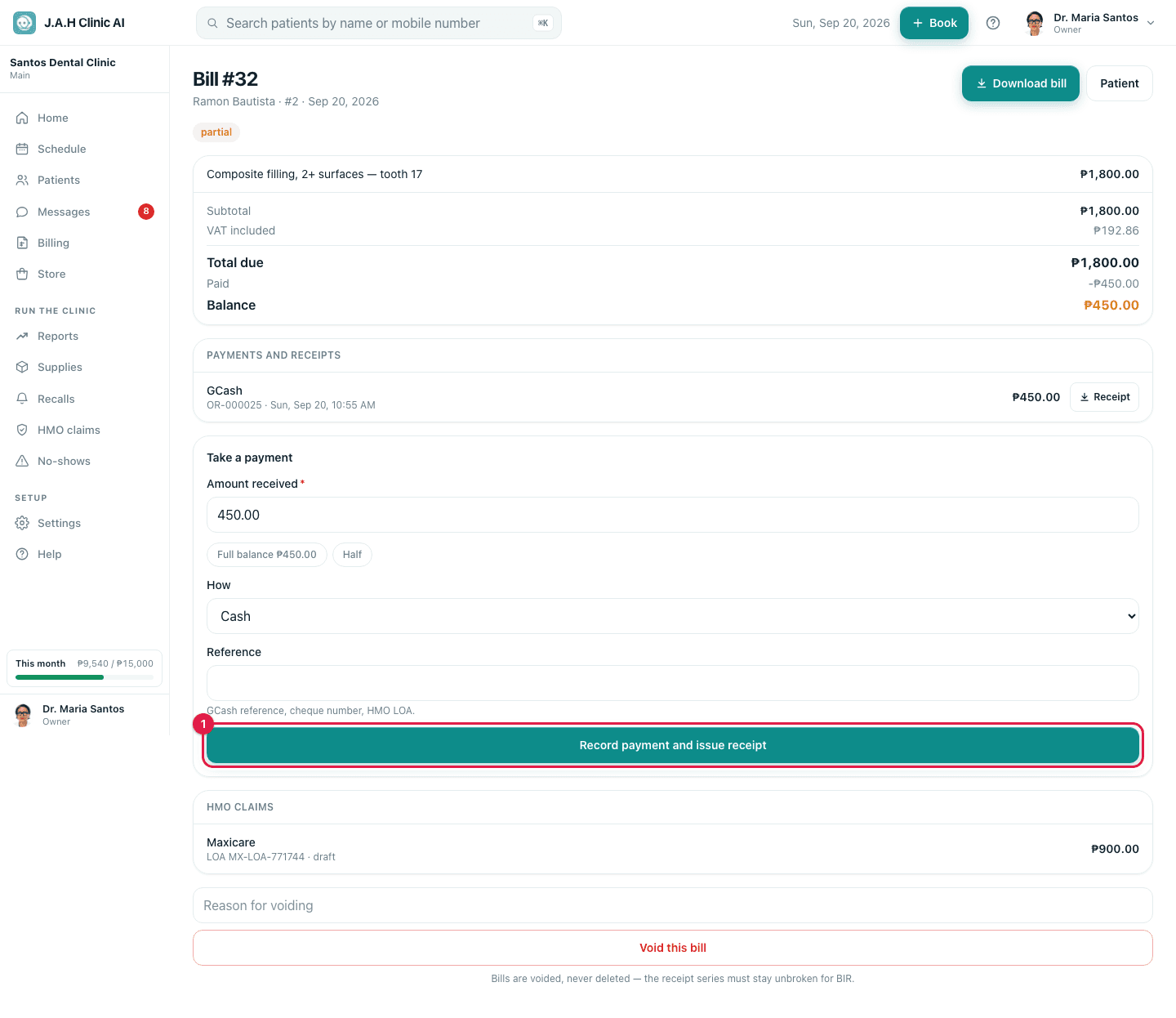
Open the bill from Billing or the patient's visit.
- 2
Type the reason in Reason for voiding and tap Void this bill. The bill and its receipts are marked void; the receipt series stays unbroken for BIR.
- 3
Open the visit and tap Create the bill again. Fix the work recorded first if a procedure or price was the mistake.
Ask the assistant
Answers from this guide, in plain English. Usually under a minute.It only knows what is in this guide and never sees patient records. Not answered? Search or message the J.A.H team.