
Your first day: the three things to do
Add a patient, book them in, and order your first pack. Home shows you a card for exactly this.
- Who
- Owner
- Takes
- 10 minutes
A brand-new clinic sees a Welcome card at the top of Home with three steps. Each one ticks itself off as you do it, and the card disappears once you have a patient and an order.
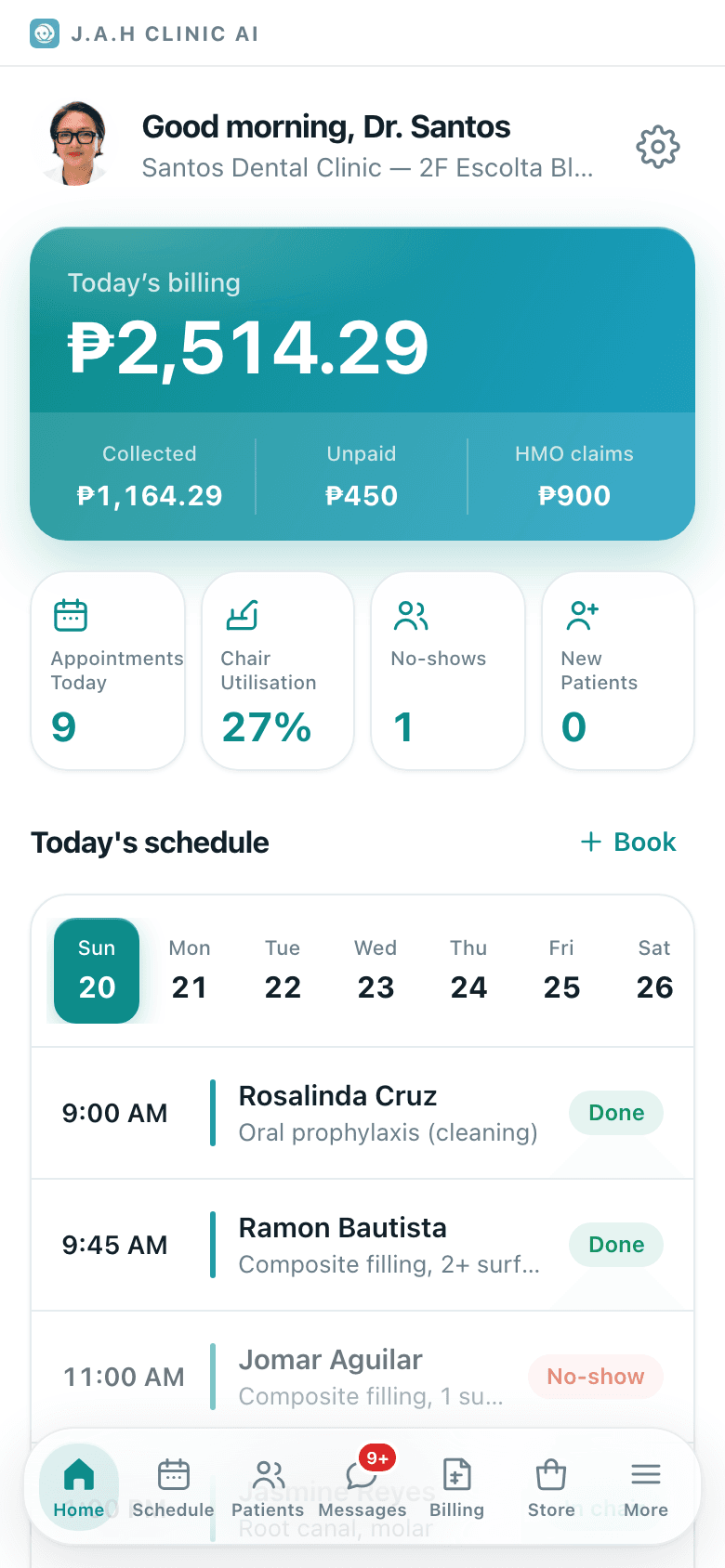
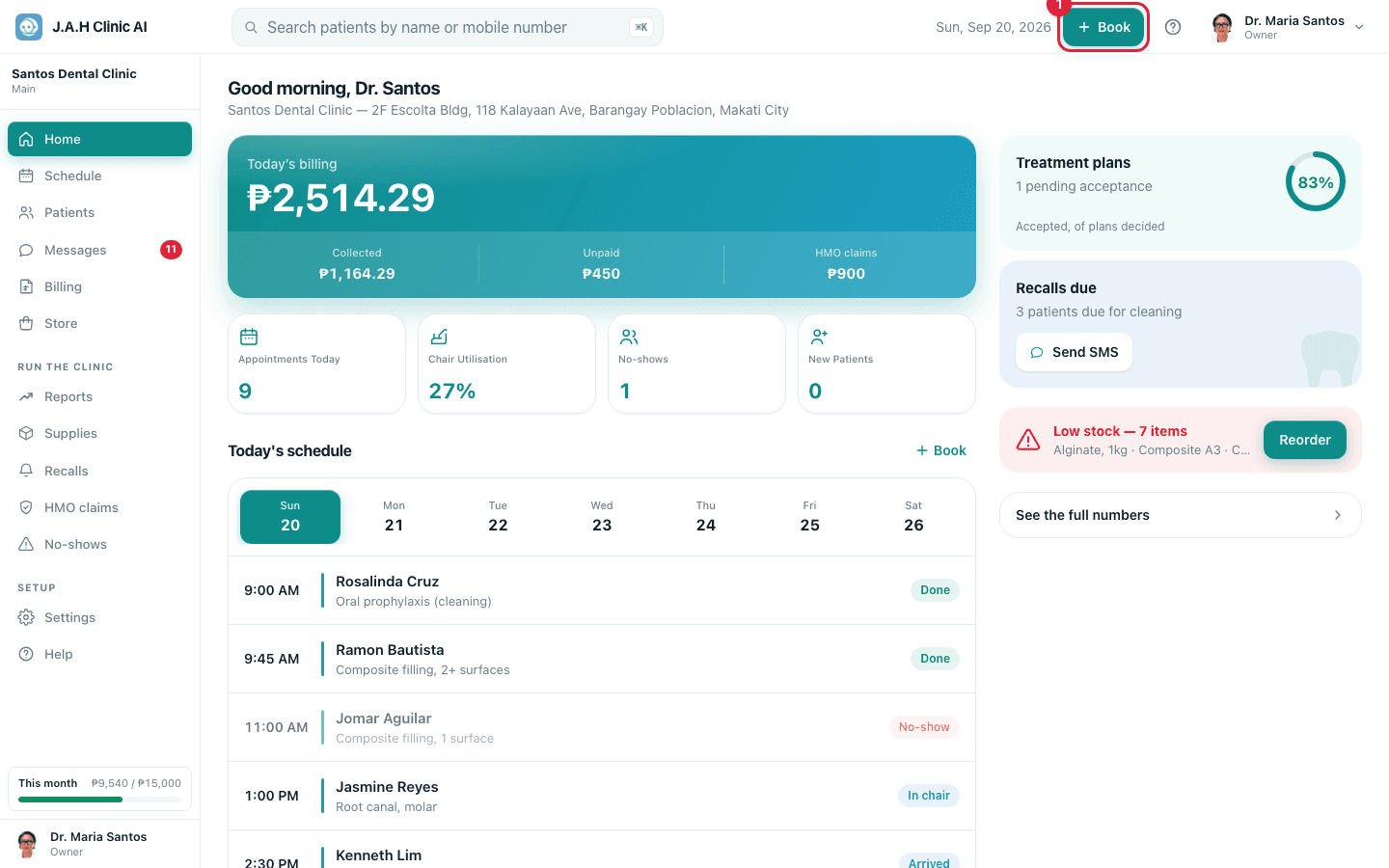
- 1HomeWelcome card
Add your first patient. Name and mobile is enough; the chart, history and HMO card come later.
- 2HomeWelcome card
Book an appointment. Your hours and chairs are already set from the sign-up; change them any time under Settings → Hours and chairs.
- 3HomeWelcome card
Order your NoGag pack. This is what keeps the software free: meet the monthly minimum and next month is covered.
After that, spend half an hour on Set up the clinic: your clinic details for receipts, your price list, your staff and your licences. Everything printed on a receipt or offered on your booking page comes from there.
Ask the assistant
Answers from this guide, in plain English. Usually under a minute.It only knows what is in this guide and never sees patient records. Not answered? Search or message the J.A.H team.